
The 10 best video conferencing tools

Tired of unproductive meetings? Does working remotely make you feel like you're wasting time and energy on ineffective communication? Between connection issues, complex interfaces, and limited functionality, choosing the right conferencing software can quickly become time-consuming. Discover our selection of the 10 best video conferencing software to boost your productivity and collaborate effectively, wherever you are.
How do I choose the best video conferencing software?
Evaluate the size of your team and the number of participants you want to have in your meetings. Some software limits the number of participants in the free version, while others offer greater flexibility.
Then, figure out what critical features you need. This could be screen sharing, recording, transcribing, transcribing, interactive whiteboarding, or setting up surveys. Make sure that the software you are considering integrates these functions.
Security is another important aspect, especially if you are dealing with confidential information. Learn about the security measures the software has in place, such as end-to-end encryption.
Finally, integration with other tools that you already use, such as your calendar or email, is crucial. Verify the compatibility of the video conferencing software with your digital ecosystem.
What video conferencing tools guarantee data confidentiality?
Signal is known for its end-to-end encryption for messages and also offers secure video calls. The Jitsi Meet platform also offers end-to-end encryption and various security options, such as the ability to host your own servers for greater control.
To go further, you can use the sovereign solution for secure videoconferencing: Wimi. The tool guarantees data hosting in France, integrates end-to-end data encryption and aims to obtain SecNum Cloud qualification in 2025.
Is it better to opt for a free or paid video conferencing tool?
The main advantage of free software is obviously its cost. In addition, they are generally easier to learn and accessible via a variety of devices. However, their functionality is limited and technical support can be difficult to reach.
Paid tools, on the other hand, have advanced features, benefit from dedicated technical support, often have numerous software integrations, and offer a higher level of security and privacy. However, subscription can be a significant cost, especially for small businesses. This software can also be more complex to use and configure.
The 10 best video conferencing tools for your team
Discover the best software on the market to end ineffective meetings.
1. Wimi, a videoconferencing system integrated into an all-in-one tool
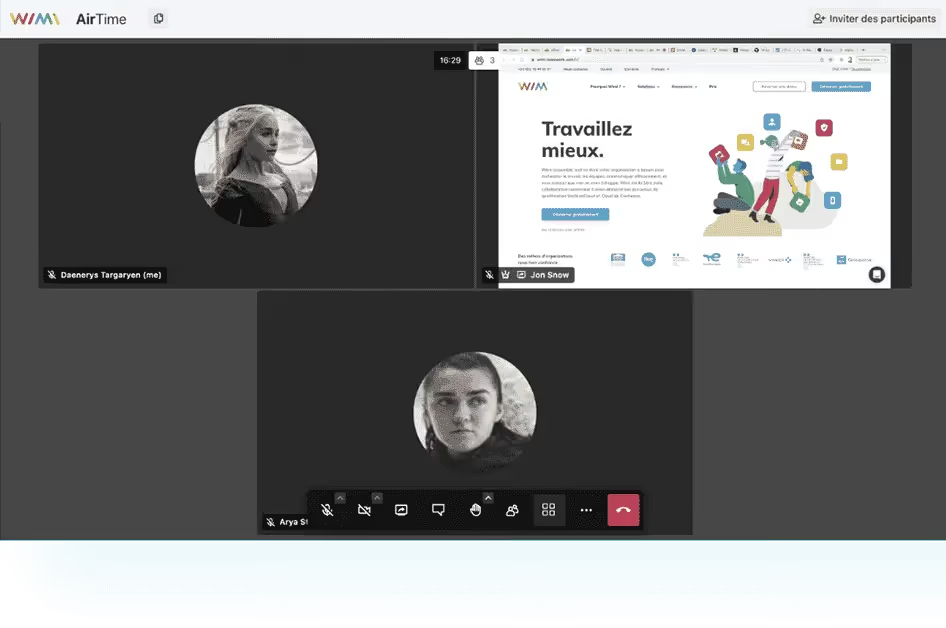
French collaborative suite, highly secure and SecNumCloud, Wimi offers a simple, efficient and installation-free videoconferencing system called Wimi AirTime. All you need to do is send a link to the guests and they will join you. No software installation is required and is not required To have an AirTime account to participate in an audio or video chat. You can therefore invite people from outside your company such as your customers, suppliers or partners. Finally, the advantage of Wimi is that it is a collaborative suite that brings together all the essential tools to effectively manage your projects: task manager, shared calendars, instant messaging, storage space, etc.
Wimi's customers include the Ministry of Ecological Transition, Groupama and Sephora.
Main features
- Screen sharing between collaborators.
- Instant messaging to facilitate communication.
- The ability to send files, links, photos, emojis, and comments.
- Features to effectively manage your projects (shared calendars, task manager, co-editing tool, etc.).
- A corporate social network to promote team cohesion.
- The hosting of your data by a French service provider based in France.
Limits
Wimi is above all a all-in-one project management software. It is therefore not the most suitable tool if you only need a video conferencing system.
Rates
- Paid packages starting at €3 per user per month. Decreasing price according to the number of users.
- Special rates for students and associations.
- 14 day free trial.
2. Zoom, the most popular video conferencing tool
Who does not know zoom ? This videoconferencing platform is renowned for the excellent visual and sound quality of its videos as well as for its ease of use and its numerous functionalities. Its popularity exploded during the pandemic, and it is used by families and friends as well as by schools and businesses. Among other things, you can choose your background, retouch your appearance, share your screen with your collaborators, make audio calls, or chat via instant messaging.
Zoom customers include Deezer, NBA, and WWF.
Main features
- The creation of personalized invitations.
- The possibility of having up to 1000 participants.
- Integrating Zoom with the solutions you already use.
- The conversion of your meetings into written versions (transcripts).
- Phone and chat features.
Limits
As an American company, Zoom is subject to Cloud Act.
Rates
- A free basic version.
- More comprehensive plans starting at €13.99 per month per user.
- The addition of additional functions.

3. Livestorm, a French videoconferencing platform
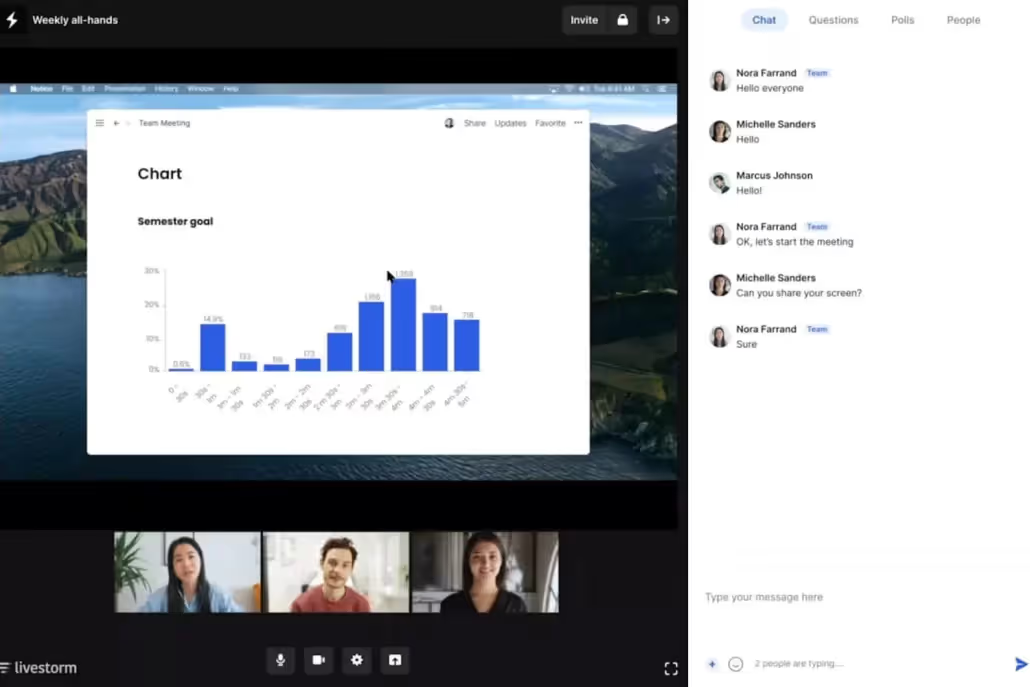
Livestorm is a French video communication tool that allows you to easily organize all your virtual events (meetings, webinars, training, online courses, interviews, etc.). Send personalized invitations, create a dedicated registration page, announce your event on social networks, animate it with adapted tools and analyze its performance to constantly improve yourself.
BlaBlaCar, Bouygues Telecom and Leboncoin are among Livestorm's customers.
Main features
- The organization and management of your events from start to finish.
- The creation of personalized event rooms.
- The possibility of inviting participants by email, via registration pages, forms or calendar integration.
- A multitude of features to animate your meetings (surveys, Q&A, chat, emoji reactions, virtual whiteboards, etc.).
- An analysis tool to measure the performance of your virtual events.
Limits
The price can be a bit high if you don't do video conferences often.
Rates
- A free version for up to 30 users.
- More comprehensive packages starting at €79 per month.
- A free trial.
4. Google Meet, the Google Workspace video conferencing tool
Google Workspace, the Digital workplace of the American giant offers numerous collaboration tools including Google Meet (formerly Hangouts) for organizing your virtual events. Create and participate in secure meetings with your employees or customers, no matter where they are in the world. Easy to use, you don't need a Google account to join a meeting. To attend a video call, participants simply need to click on the link that was sent to them. Google Meet works from any browser.
Main features
- Access to a video call directly from Google Chat or your Google calendar.
- The association of a telephone number to each meeting to participate even without wifi.
- The interconnection between all Google Workspace tools.
- The possibility of recording the meeting that will be saved on Google Drive.
- Subtitle generation and screen sharing.
Limits
- When you use Google Meet (and other Google tools), your data is subject to the Cloud Act.
- Google Meet is part of Google Workspace, you can't use it alone.
Rates
- Google Meet is included in Google Workspace plans.
- Rates start at €4.68 per user per month.
- You can try it free for 14 days.

5. Klaxoon, the solution to boost your meetings
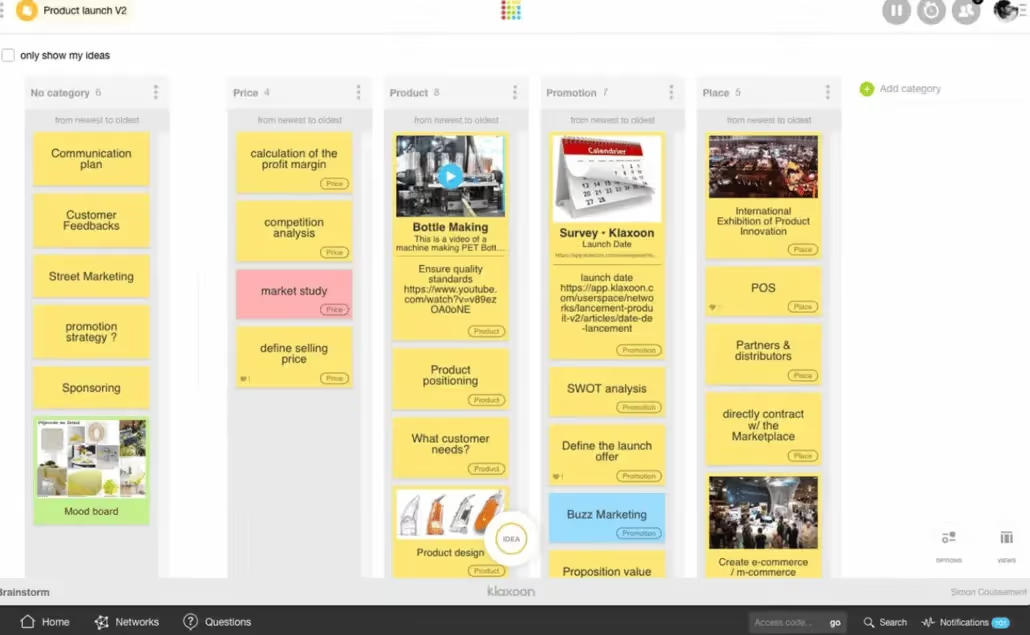
To prevent your on-site or remote meetings from being boring, time-consuming, and unproductive, use Klaxoon. This French platform workshop helps you design and boost all your events using a variety of tools such as ready-to-use activities or custom templates based on the theme of the meeting. Your videoconferences become interactive workshops where your employees and customers enjoy participating.
Klaxoon's customers include companies such as L'Oréal, Coca Cola and Danone.
Main features
- A library of ready-to-use templates.
- A digital whiteboard to communicate live.
- The ability to ask questions visually during the video conference.
- Polls, votes, challenges, and word clouds to encourage participation.
- The use of quizzes to collect feedback from your employees.
Limits
Your data is hosted in Europe or the United States (therefore potentially subject to the Cloud Act).
Rates
- A free version.
- Offers starting at €14 per month per user.
6. Microsoft Teams, the Microsoft 365 communication platform
Microsoft Teams is ideal for promoting communication between teams that are geographically dispersed. It's much more than video conferencing software. It is a collaboration solution that allows you to communicate with colleagues via instant messaging, organize virtual events, make calls, sharing files, and to work on Office documents simultaneously. It is suitable for businesses of all sizes as well as individuals.
ENGIE, Urssaf and LVMH are some of the companies that have opted for Microsoft Teams.
Main features
- Digital signage that automatically adjusts according to the activity of the participants.
- The creation of a virtual meeting room where all participants are together.
- The ability to collaborate live on content shared on the screen.
- The creation of personalized registration pages and live surveys.
- The automatic transcription of audio or video meetings and the subtitling of speeches in various languages.
Limits
Regarding the protection of your data, know that Microsoft, like all American companies, is subject to the Cloud Act.
Rates
- A free version.
- A paid package starting at €3.40 excluding VAT per month per user.

7. GoToMeeting, an engaging and user-friendly video conferencing tool
GoToMeeting offers you a simple virtual meeting platform designed for flexibility. Access to your videoconferences is easy and secure, and priority is placed on sound quality thanks to the suppression of ambient noise. During video meetings, you can share your screen, but also your mouse and keyboard, annotate your presentations or collaborate on a document in real time. You have personalized email templates for your invitations and you can organize virtual events with up to 250 participants.
Main features
- The ability to connect to a meeting by phone.
- A “raise your hand” function to allow participants to speak in turn without interrupting each other.
- Automatic transcription of recorded meetings.
- Screen sharing and the drawing tool to annotate your presentations.
- Integrating GoTo Meeting with your favorite apps
Limits
GoTo is an American company, so your data is subject to the Cloud Act.
Rates
- Paid packages starting at €10.75 per organizer per month.
- A free 14-day trial.

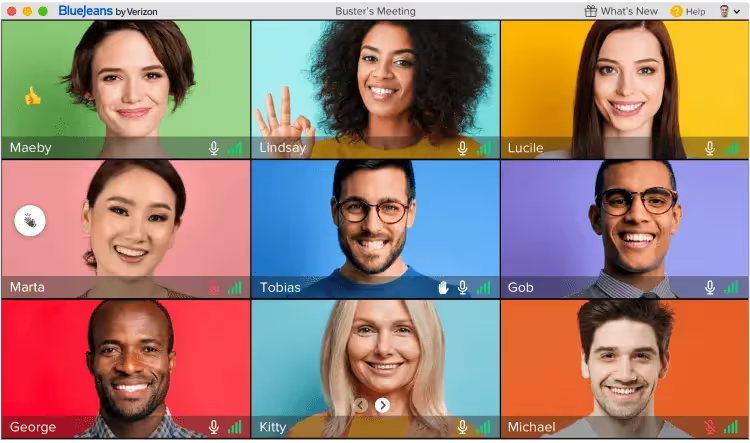
8. BlueJeans, a simple, intuitive and secure platform
Video conferencing needs may vary depending on the size of your business, your activities, and the type of meeting you want to organize. Blue Jeans facilitates the communication and collaboration of your employees, especially when they work remotely, and thus contributes to boosting their productivity. With BlueJeans, you can organize, join, and host your virtual events wherever you are and regardless of what device or room system you use. All with high definition video and crystal-clear audio so you don't miss a word.
Companies that trust BlueJeans include Facebook, Electrolux, and National Geographic.
Main features
- Joining a virtual meeting from any device.
- The possibility to blur your background or to embellish it with a background of your choice.
- Interactive tools such as screen sharing, annotation, and digital whiteboarding.
- Automatic subtitling, keyboard controls and a screen reader for disabled users.
- The possibility of viewing up to 25 participants on the screen.
Limits
- BlueJeans is an American company subject to the Cloud Act.
- No free version.
Rates
- Several paid offers starting at €12.02 per host per month.
- A free trial for 14 days.
9. Starleaf, a European videoconferencing solution
Here is a professional video conferencing application that originated in the United Kingdom. Starleaf allows you to organize quality online meetings with people from all over the world. Simple and intuitive, your employees will not need to follow a training course to use this tool. They can easily organize virtual meetings, make audio calls, or send messages reliably and securely, and from any device. Another advantage of Starleaf is that you can choose which country you want to host your data in.
Starleaf's customers include the National Health Service (NHS), Distell and Professionals Nord.
Main features
- The ability to stream your meetings.
- Screen sharing and meeting chat to easily send files.
- The ability to invite people who don't have a Starleaf account
- Integration with all your professional tools.
- The choice of the country where your data is to be hosted.
Limits
The free version is not as secure as the paid versions.
Rates
- A free basic version.
- Plans with additional features starting at €9.99 per license per month.

10. Zoho Meeting, Zoho CRM's online meeting platform
Zoho Meeting offers a highly secure online meeting and webinar solution to facilitate collaboration and remote work. Simple and scalable, the software allows you to easily organize your meetings and video conferences, customize your invitation emails and registration forms, share your screen, interact with participants, and record meetings for later use. With Zoho Meeting, you can also get reports on the performance of your webinars in order to improve them.
Zoho Meeting customers include Crown Bees, Arctic Spas, and En Route Technologies.
Main features
- The launch of an instant meeting by simply sharing a link.
- The features polls, questions and answers and raises of hands.


