
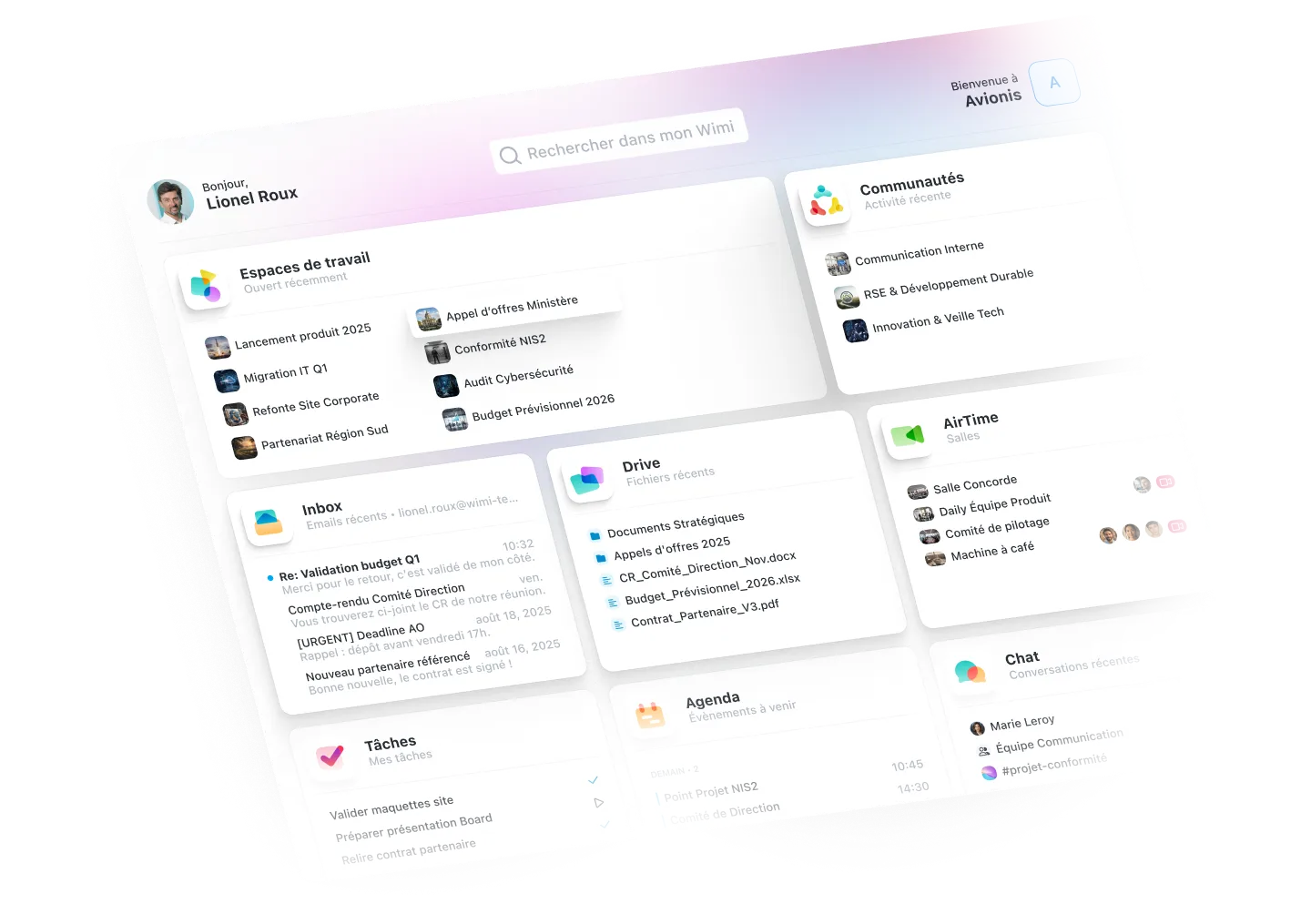








An overview of your organization
Access your workspaces, documents, tasks, agenda, and users. Create, edit, and share files in a few taps. Instantly search for a document, task, or event. Launch quick actions on your critical projects. All the power of Wimi to pilot on the go.
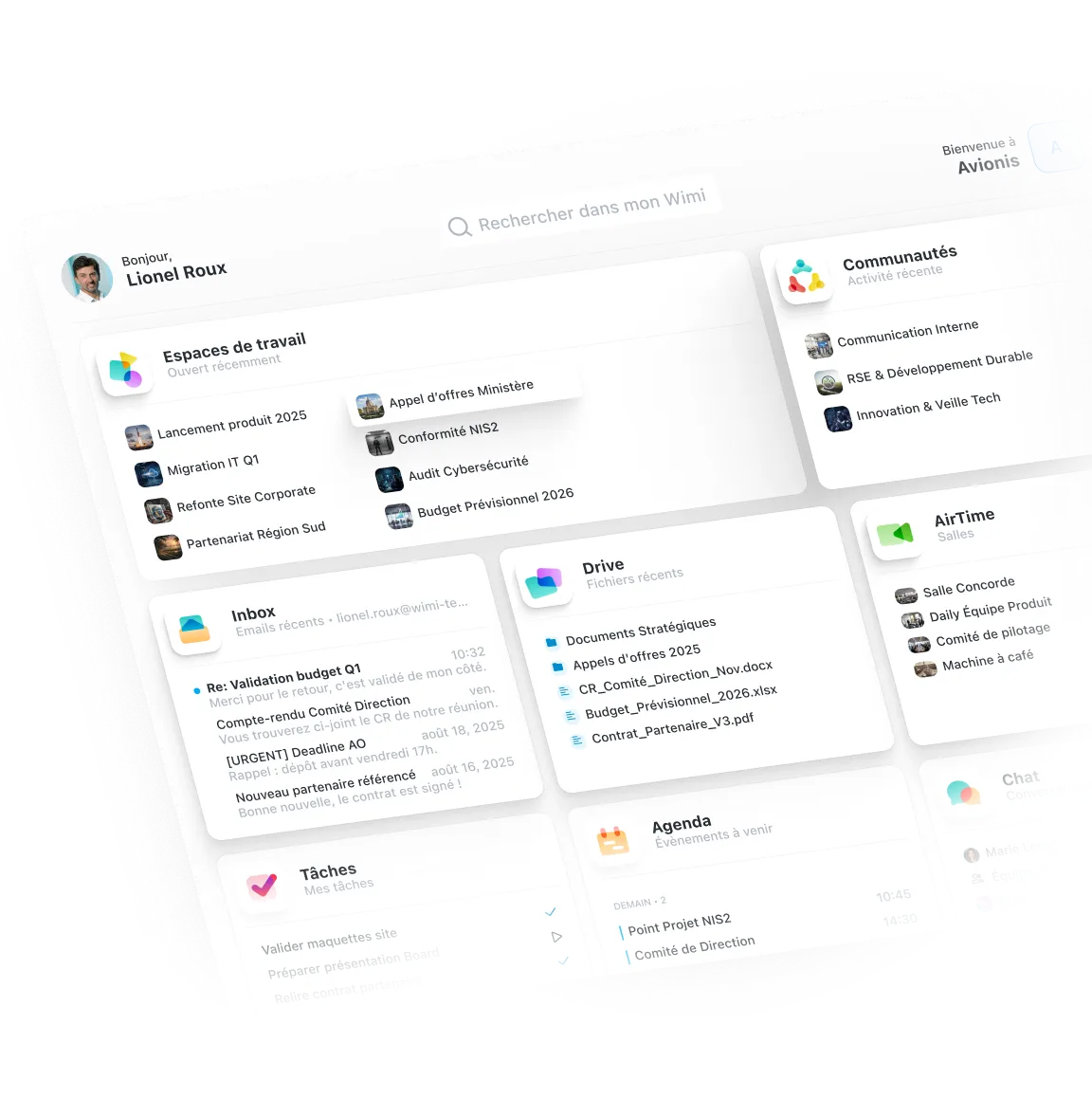

Don't miss any more priorities
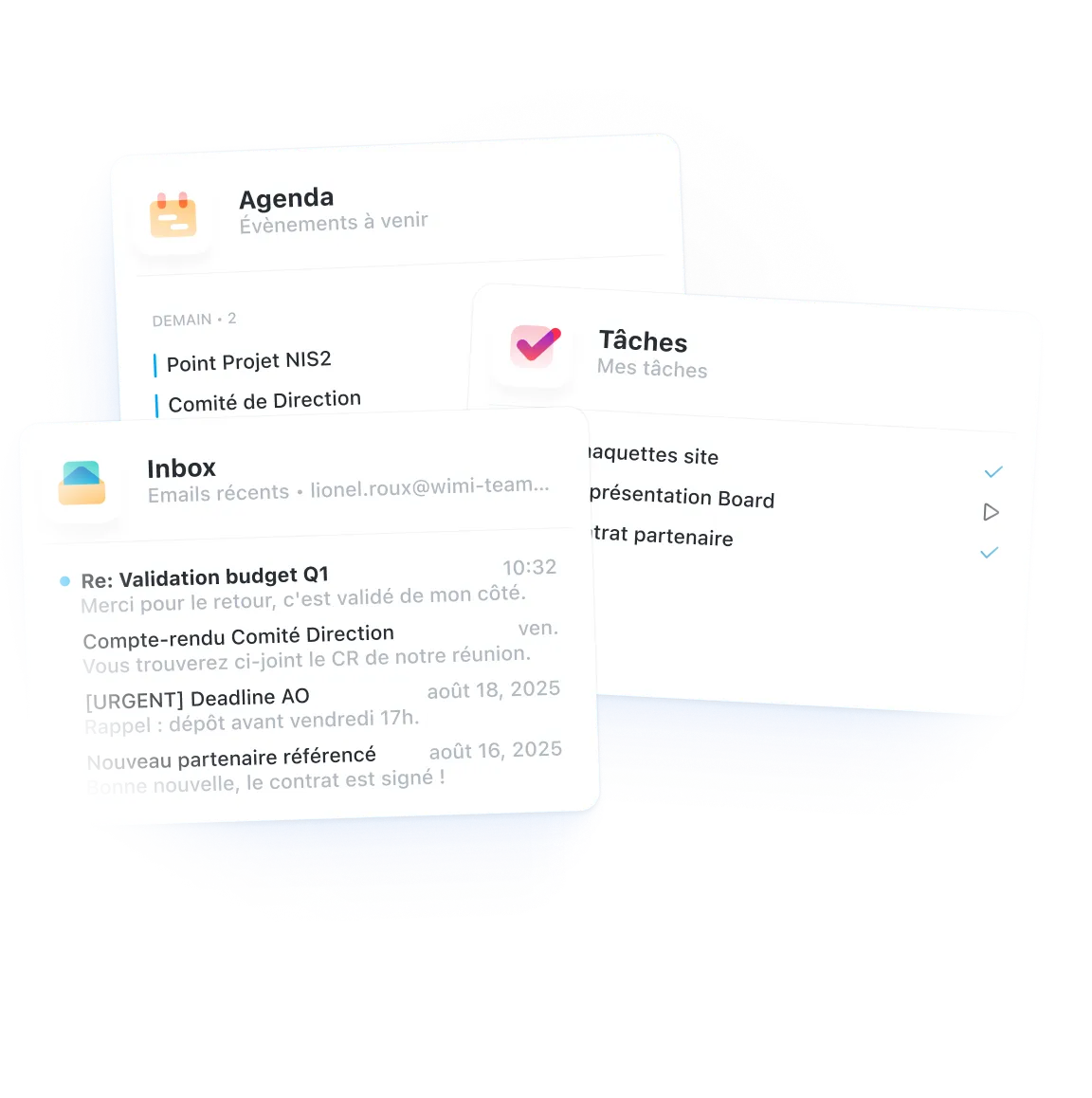
See your recent emails, urgent tasks, shared files, and active conversations right on your dashboard. The essentials, without digging.

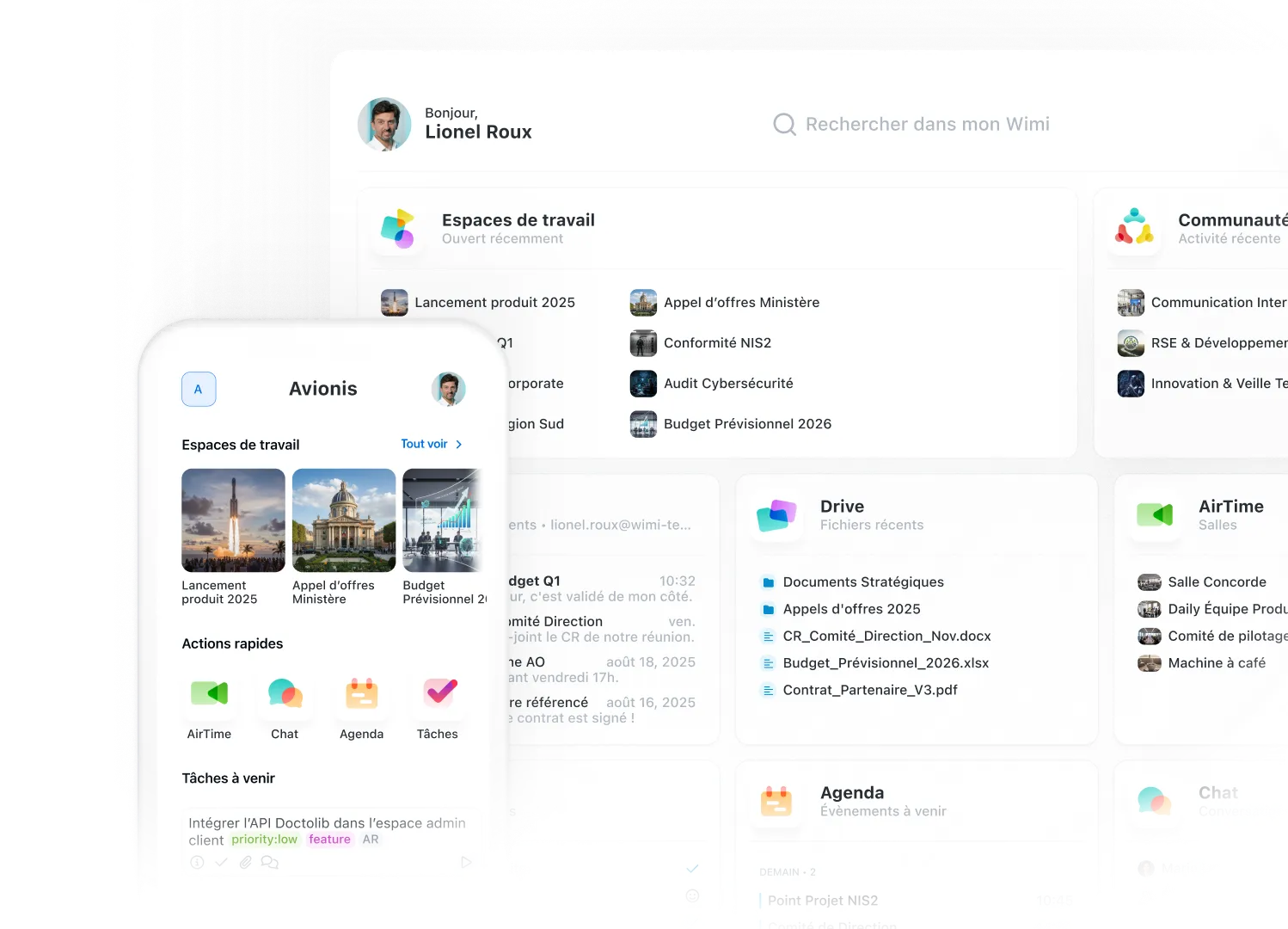
Your Workboard follows you everywhere
Powerful desktop application and Mobile app complete: access your Workboard on all your devices. Your projects, notifications and tools synchronized in real time.

“Wimi is a solution perfectly suited to collaboration in project mode. Its ease of handling and the flexibility offered according to uses convinced us. Covid-19 and the periods of teleworking have only amplified the need for such a solution to maintain exchanges and continue our projects.”Lorem ipsum dolor sit amet, consectetur adipiscing elit, sed do eiusmod tempor incididunt ut labore and dolore magna aliqua. Ut enim ad minimim veniam, qui nostrud exercising ullamco laboris nisi ut aliquip ex ea commodo consequat. Duvet high grain color wine In voluptate velit esse illum dolore eu fugiat nulla pariatur.


“Wimi is a solution perfectly suited to collaboration in project mode. Its ease of handling and the flexibility offered according to uses convinced us. Covid-19 and the periods of teleworking have only amplified the need for such a solution to maintain exchanges and continue our projects.”


"Wimi nous permet de centraliser notre processus de création et de planification de contenus. La plateforme nous apporte une vision claire et centralisée de notre production. Je le recommande sans hésiter aux équipes qui veulent gagner en agilité et optimiser leur processus de création de contenus."


"Wimi nous permet de faciliter la communication entre le staff et les joueurs, de fluidifier le partage des données et d’accélérer la planification de nos évènements sportifs. Le budget est aussi très attractif au regard du périmètre fonctionnel, riche et ergonome couvert par la solution."

"Wimi est un outil sécurisé et sécurisant qui répond clairement aux besoins d’une profession réglementée par le secret professionnel. Travailler sur nos dossiers depuis la plateforme est devenu une évidence pour nous. Nous sommes bluffés par la facilité avec laquelle nos clients et partenaires adoptent la solution."


A complete suite to manage your business

Access your active spaces directly from the dashboard. Each space centralizes everything your team needs to move forward.

Save files received by email in your Drive or workspaces in one click.

Consult the progress of your projects and identify priorities. Clear indicators to make the right decisions quickly.
Become an expert in team collaboration

Your questions about the workboard
Does the Workboard slow Wimi down?
No, the Workboard is designed to be lightweight and powerful. It only loads essential information (previews, priority notifications) without slowing down your applications. You can navigate between your tools as quickly as before, with the addition of a centralized view of your business.
Can I customize my Workboard?
Yes, you choose which apps and widgets you want to show on your dashboard. Organize your interface according to your priorities: some users prefer tasks and emails, others prefer recent files and conversations. The Workboard adapts to the way you work.
How do I access the Workboard on mobile?
The Workboard is accessible from the Wimi mobile application with the same centralized interface. You can find your active spaces, notifications and quick actions directly on your smartphone or tablet. Your data is synchronized in real time between all your devices.
What applications are available in the Workboard?
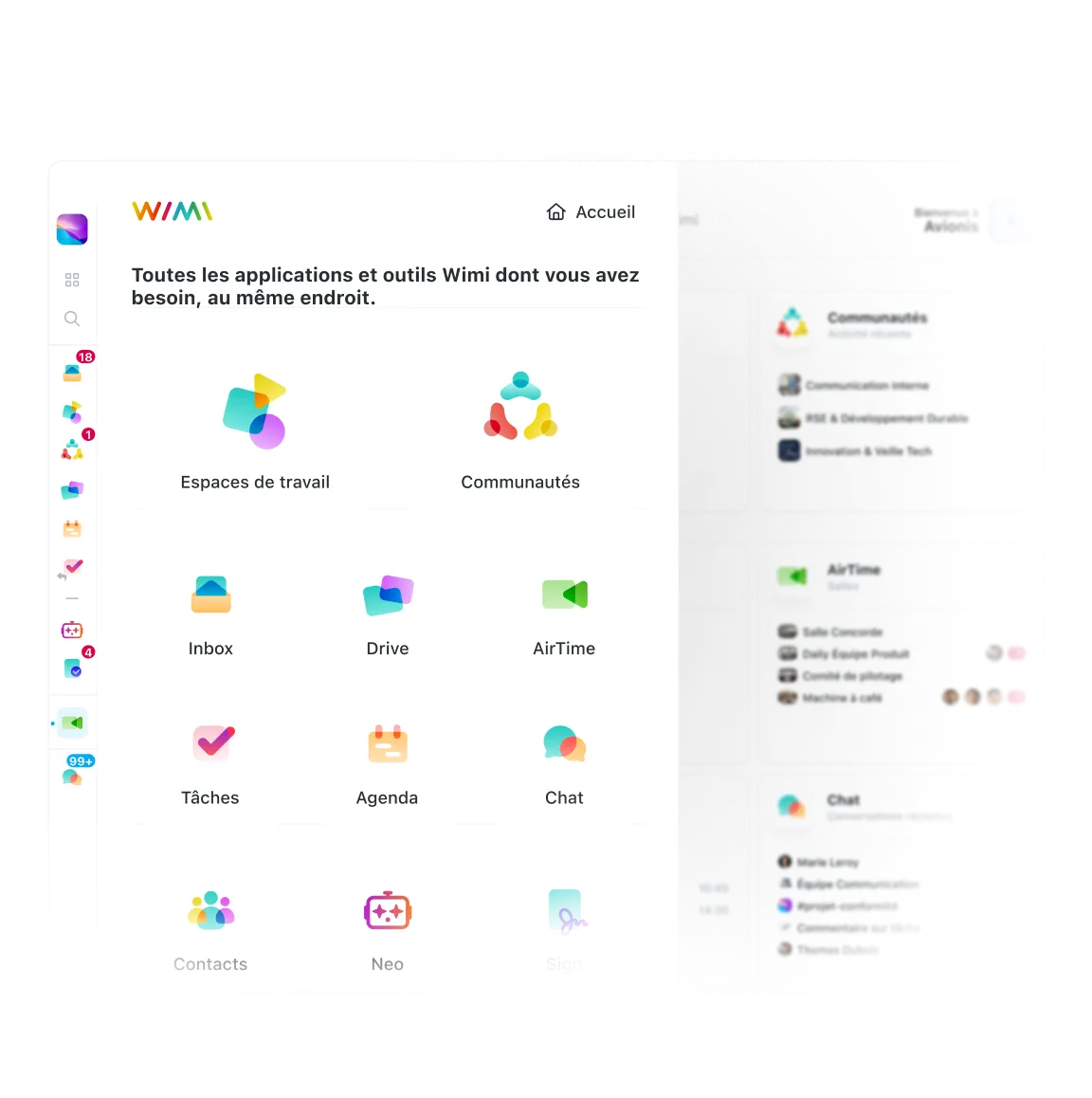
All Wimi applications are accessible from the Workboard:
- Workspaces and Communities
- Chat, Drive, Inbox, and Tasks
- Diary, AirTime (videoconference) and Signature
- Wimi Néo (IA), Watermark, Validations and Reporting
You also have access to your desktop applications (Wimi Drive, Wimi AirTime) and external connectors.
Is my data synchronized in real time?
Yes, all of your information is updated instantly. When an email arrives, a task is assigned to you, or a file is shared, you'll immediately see it on your Workboard. Whether you are on a computer, mobile or tablet, your data remains perfectly synchronized and hosted in France.
Does Workboard require training?
No, Workboard is intuitive and can be learned in a few minutes. From the first time you log in, you immediately see your applications, active spaces, and priority notifications. The interface uses familiar codes (navigation by icons, clear previews) for a natural handling. Our team remains available if you have any questions.

Simplify your daily professional life
Learn how the Workboard centralizes all your tools and saves you valuable time.