








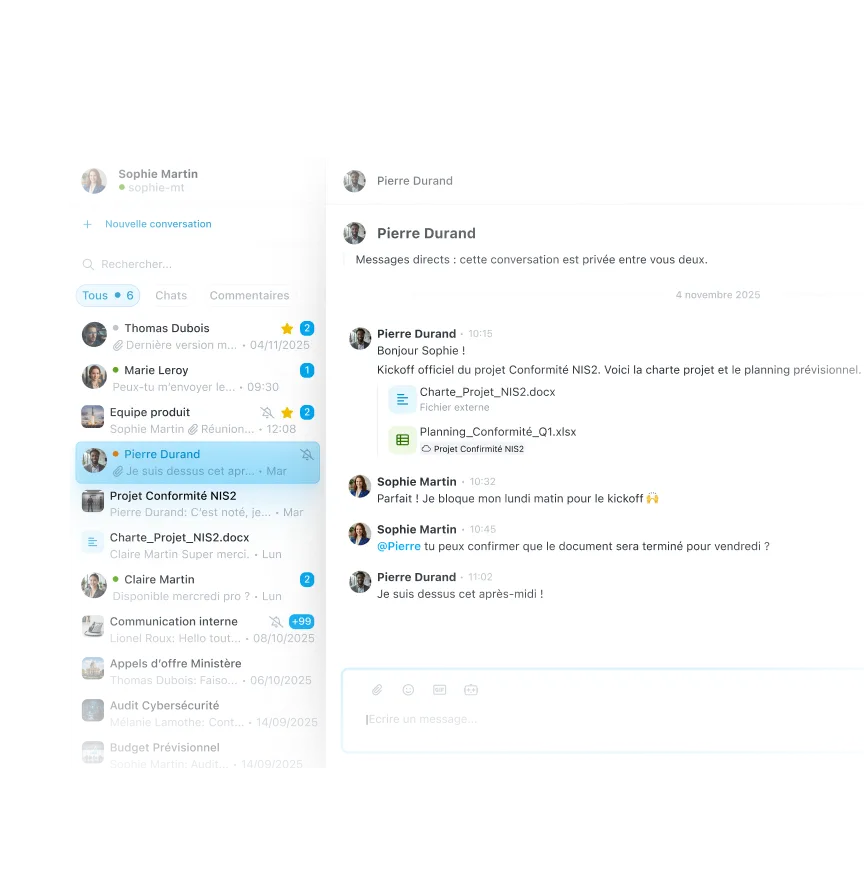
Access all your exchanges from a unified view
Instantly find your private messages, team conversations, and comments on documents. Wimi Chat saves you from juggling several tools: each exchange is contextualized and easily retrievable, regardless of its origin.

Exchange with emojis, GIFs, voices, polls and video
Express yourself naturally with rich and modern messaging. Send voice messages to save time, launch polls to decide as a team, share files, and start an instant video without leaving the conversation.
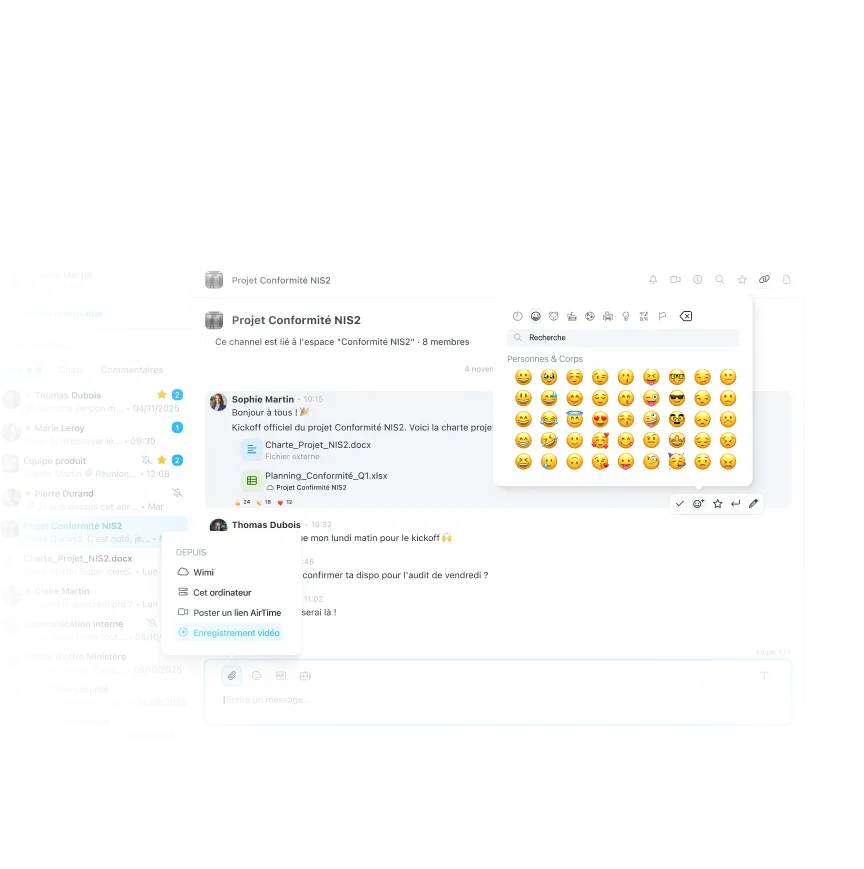

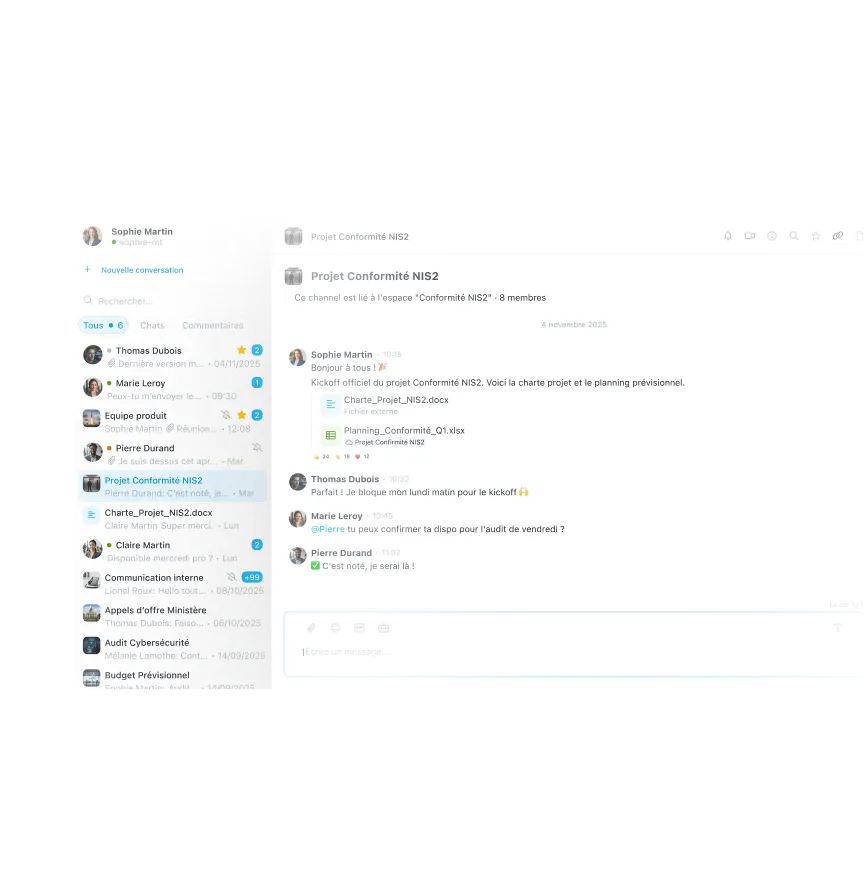
Conversations that are always linked to your projects
Create channels dedicated to each workspace to structure your exchanges by theme. Project members automatically access relevant discussions, and conversations remain siloed to maintain confidentiality.

Share files and create tasks from your conversations
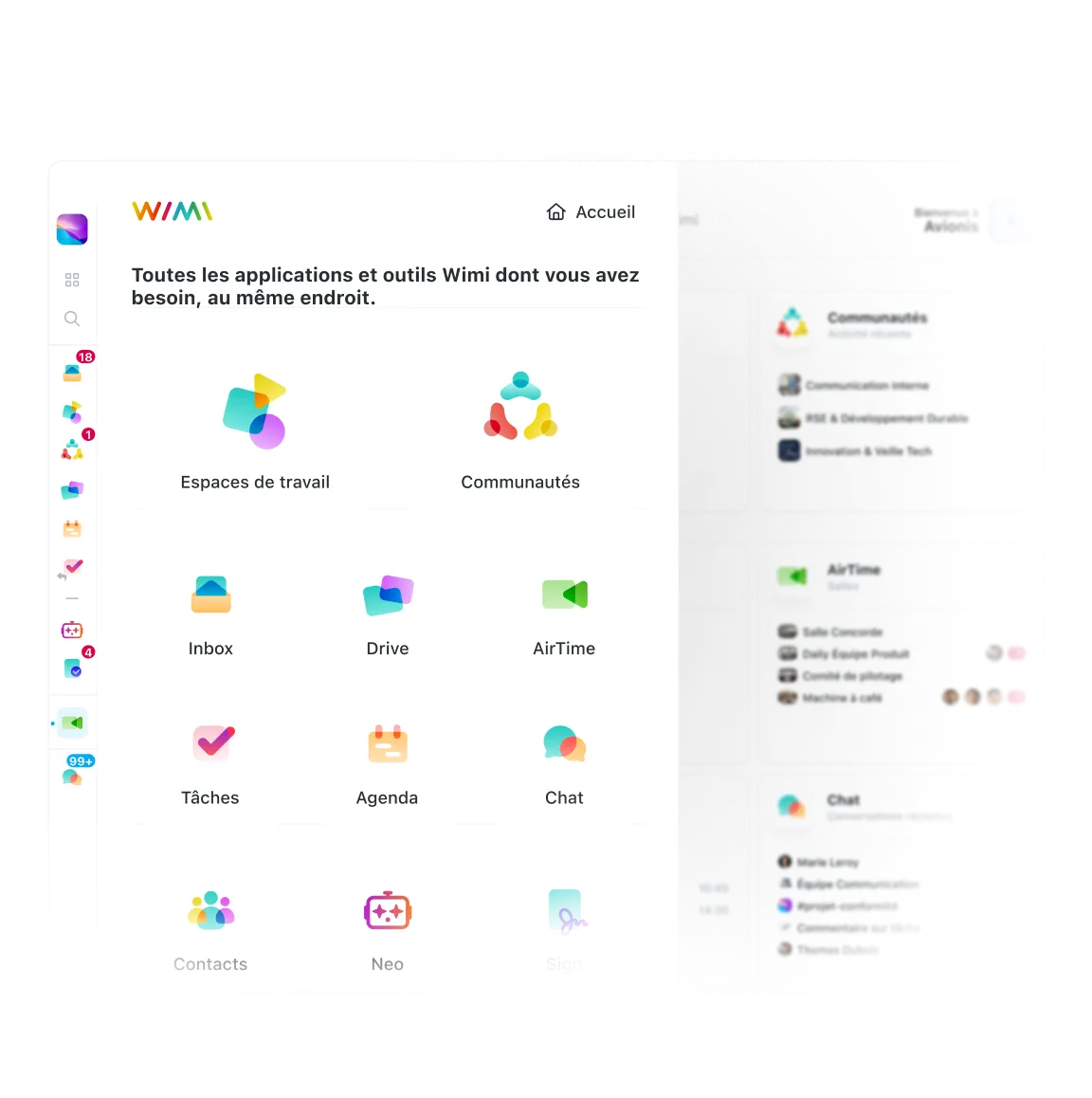
Drag a document from your Drive directly into the chat, turn a message into an assigned task, or schedule an event in one click. Wimi Chat naturally interacts with all the tools in the suite to streamline your daily work.

Communicate in complete confidentiality thanks to end-to-end encryption
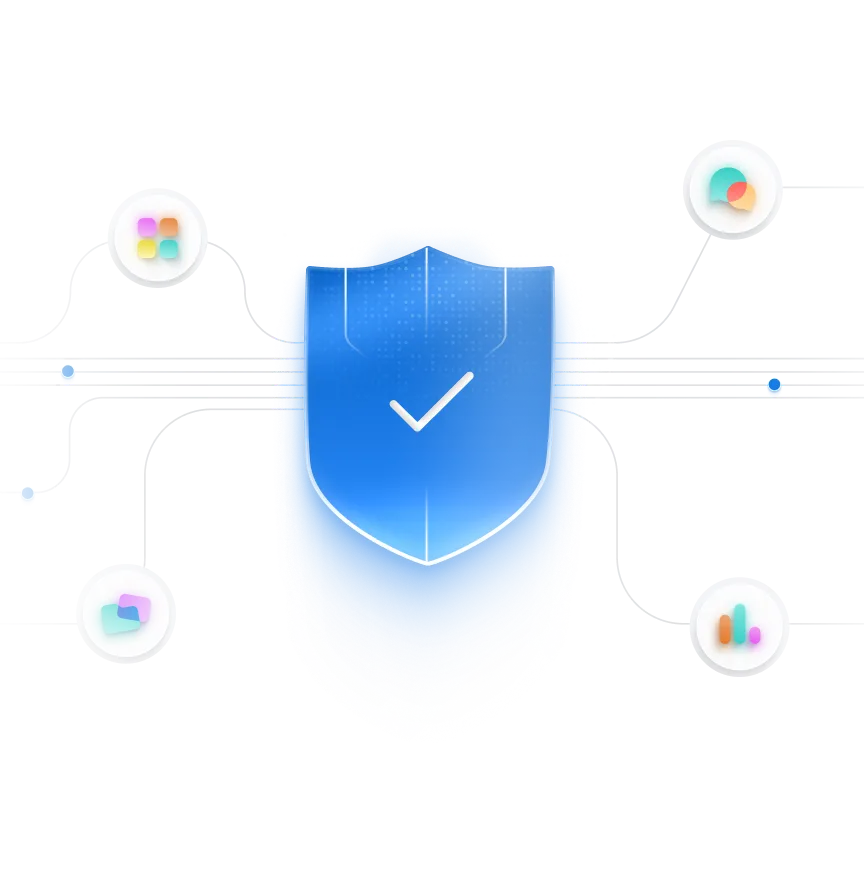
For your critical conversations, Wimi offers optional end-to-end encryption. Only participants can decipher messages. Your sensitive data remains fully protected, even in the face of the most advanced threats.
“Wimi is a solution perfectly suited to collaboration in project mode. Its ease of handling and the flexibility offered according to uses convinced us. Covid-19 and the periods of teleworking have only amplified the need for such a solution to maintain exchanges and continue our projects.”Lorem ipsum dolor sit amet, consectetur adipiscing elit, sed do eiusmod tempor incididunt ut labore and dolore magna aliqua. Ut enim ad minimim veniam, qui nostrud exercising ullamco laboris nisi ut aliquip ex ea commodo consequat. Duvet high grain color wine In voluptate velit esse illum dolore eu fugiat nulla pariatur.


“Wimi is a solution perfectly suited to collaboration in project mode. Its ease of handling and the flexibility offered according to uses convinced us. Covid-19 and the periods of teleworking have only amplified the need for such a solution to maintain exchanges and continue our projects.”


"Wimi nous permet de centraliser notre processus de création et de planification de contenus. La plateforme nous apporte une vision claire et centralisée de notre production. Je le recommande sans hésiter aux équipes qui veulent gagner en agilité et optimiser leur processus de création de contenus."


"Wimi nous permet de faciliter la communication entre le staff et les joueurs, de fluidifier le partage des données et d’accélérer la planification de nos évènements sportifs. Le budget est aussi très attractif au regard du périmètre fonctionnel, riche et ergonome couvert par la solution."

"Wimi est un outil sécurisé et sécurisant qui répond clairement aux besoins d’une profession réglementée par le secret professionnel. Travailler sur nos dossiers depuis la plateforme est devenu une évidence pour nous. Nous sommes bluffés par la facilité avec laquelle nos clients et partenaires adoptent la solution."


A complete suite to manage your business

Create dedicated spaces that include chat, files, tasks, and calendars for each project.

Start a video meeting in one click from any chat or channel, without leaving Wimi.

Drag and drop documents directly from your Drive into the chat and collaborate in real time.
Choose the right communication tools for your teams


Your questions about Wimi corporate messaging
What is the difference between Wimi Chat and Slack or Microsoft Teams?
Wimi Chat stands out on three major points:
1. Complete centralization of conversations. Unlike Slack or Teams, Wimi automatically aggregates your direct discussions, your team channels AND all the comments posted on your files, tasks or events. You are no longer looking for where to find information: everything is accessible from a single interface.
2. Native integration with the entire collaborative suite. You can share a file, create a task, or schedule a meeting directly from a conversation, without changing apps. This fluidity is impossible with Slack or Teams, which require third-party connections that are often imperfect.
3. Strengthened sovereignty and security. Wimi offers optional end-to-end encryption for your sensitive exchanges and hosts all your data in France, immune to the Cloud Act. Discover our positioning sovereign and secure.
How does the integration with Drive and Workspaces work?
Wimi Chat interacts naturally with all the tools in the suite. From a conversation, you can:
- Share a Drive document using instant drag and drop, without heavy attachments
- Transform a message into a task assigned to a collaborator
- Plan an event in the shared calendar in one click
- Open the relevant workspace without leaving the chat
- Commenting directly on a shared file
Each channel is attached to a workspace, which automatically contextualizes your exchanges around current projects. This integration eliminates the back-and-forth between applications and accelerates decision making.Learn how organize your projects with Workspaces.
Is there a limit to the number of messages or the history that is kept?
No, Wimi does not limit the number of messages you can send or the length of time you can keep your history. All your exchanges are kept indefinitely, regardless of your subscription plan. You can search for and find any conversation, even years later.
Unlike some solutions that automatically delete old messages or charge for access to the complete history, Wimi guarantees the sustainability of your data. Your professional exchanges remain accessible for as long as necessary, to ensure the traceability of your decisions and projects.
This complete retention also applies to comments posted on your files, tasks, and events, which are aggregated in Wimi Chat.
Check out our Rates page for details of the features included.
How do I manage notifications to avoid being overwhelmed?
Wimi allows you to finely customize your notifications to receive only important alerts:
- Targeted notifications: only when you are mentioned, or for certain specific channels
- Custom keywords: alerts on topics that really matter to you
- Focus mode: temporary deactivation to focus without interruption
- Time slots: notifications automatically paused outside of your working hours
Wimi also visually distinguishes between read and unread messages, priority conversations and active channels. You stay in control of your information flow without being distracted by unnecessary alerts.
Can I use Wimi Chat on mobile and tablet?
Yes, Wimi Chat is accessible from the iOS and Android mobile applications with the same complete interface as on a computer. You can find all your conversations, channels and comments synchronized in real time between all your devices.Features available on mobile:
- Voice messages and file sharing from your smartphone
- Emoji reactions and employee mentions
- Start AirTime video conferencing in one click
- Push notifications for important messages
- Offline access to recent conversations
The changes you make on mobile (new message, reading, archiving) are automatically reflected on your computer and tablet. Download the Wimi mobile apps.
Is End-to-End Encryption Really Secure?
Yes, Wimi's end-to-end (E2E) encryption ensures that only the participants in a conversation can decrypt messages. Even Wimi can't access it. Messages are encrypted on your device before they are sent, and then decrypted only on the recipients' devices.
This level of protection is ideal for strategic discussions, contractual discussions or discussions subject to strict regulations such as NIS2 or Restricted Distribution. You activate E2E encryption manually for conversations that require it, without burdening your daily exchanges.
Wimi is Qualified SecNumCloud SaaS 3.2 by ANSSI and hosts all your data exclusively in France. Your conversations remain fully protected, even in the face of the most advanced threats.
Learn more about our compliance and certifications.

Centralize all your conversations in a single interface
Try Wimi Chat and discover how to combine discussions, comments and actions in a sovereign tool. Save time, don't lose information, and collaborate more effectively.