
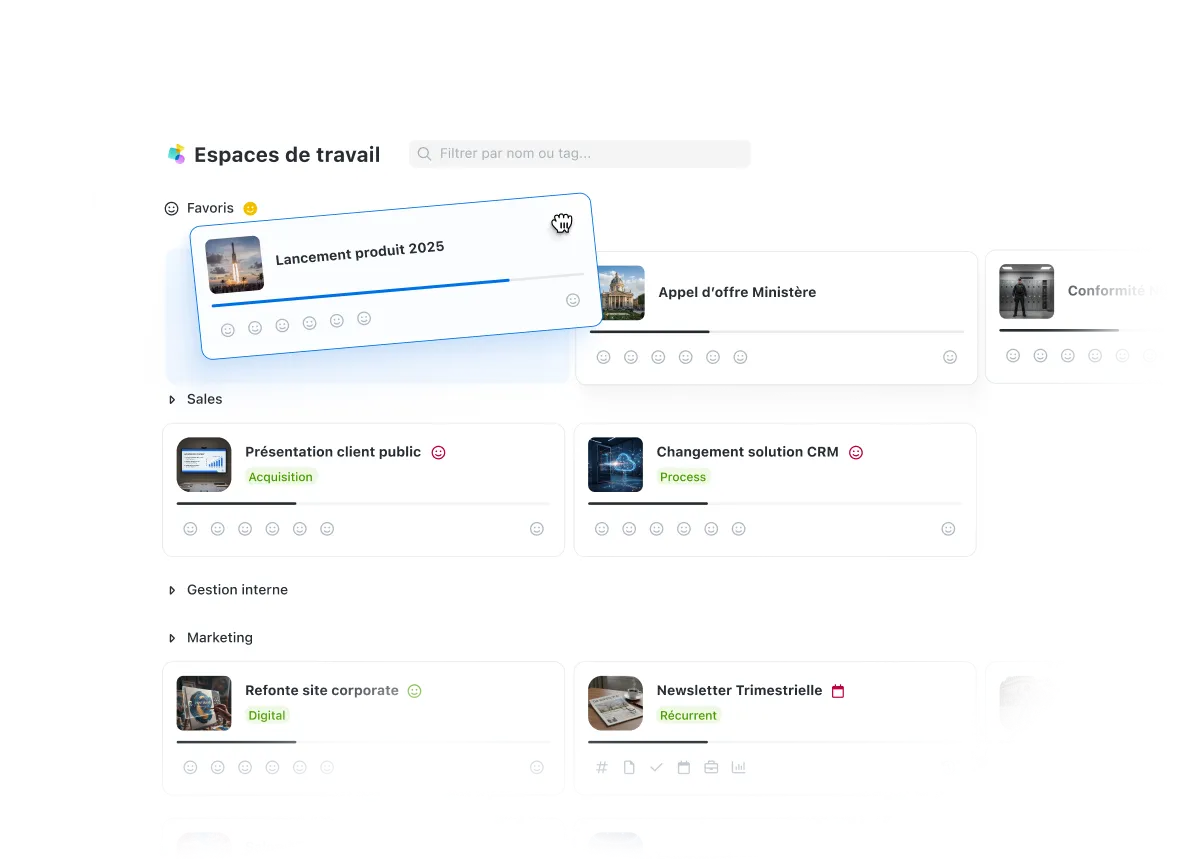








Save time with a turnkey project environment
Each workspace centralizes all the tools you need for your project: team calendar, task management, instant messaging, and file storage. No need to juggle multiple applications, everything is accessible in a single siloed environment.
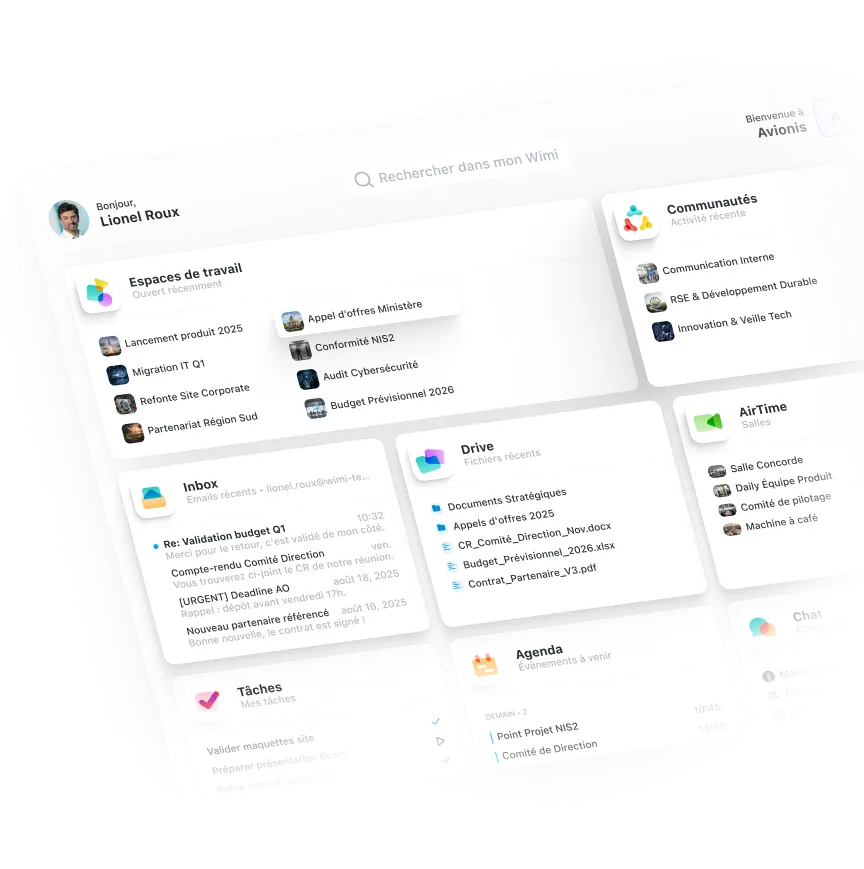

Switch from one space to another in one click
Create separate workspaces for each project, activity, or department. Easily navigate between your different spaces while keeping each project neatly organized and separate. Ideal for managing multiple customers, teams, or initiatives in parallel.
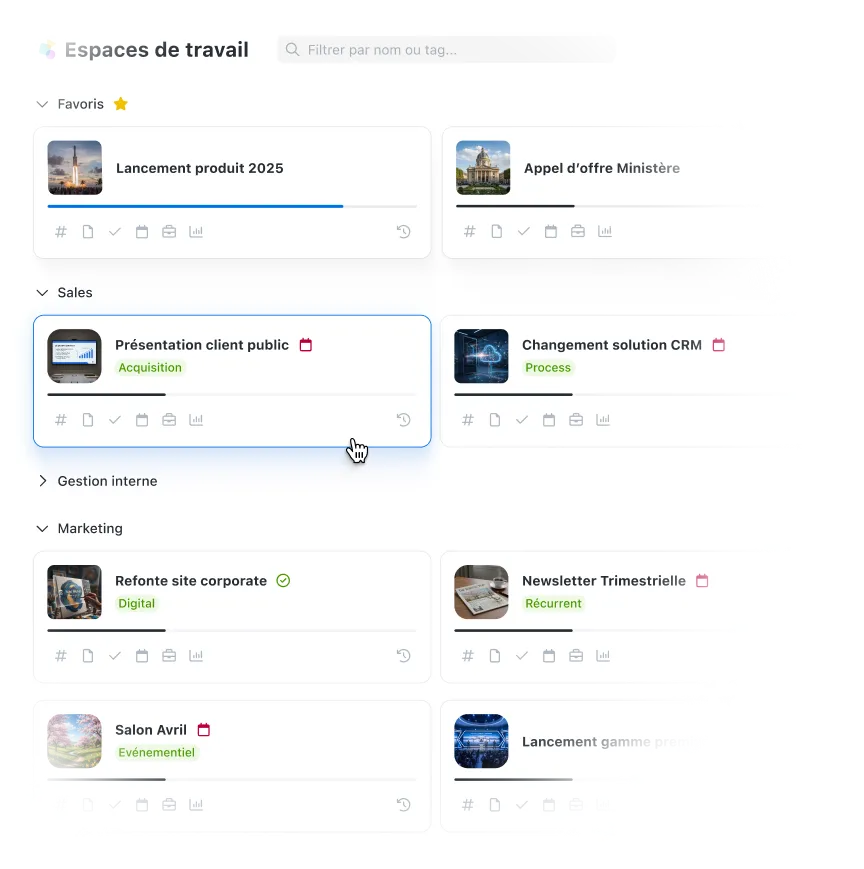

Your sensitive projects remain confidential and separate
Each workspace is strictly isolated with its own data, conversations, and documents. Project members have no access to information in other spaces. You have precise control over who sees what, project by project.
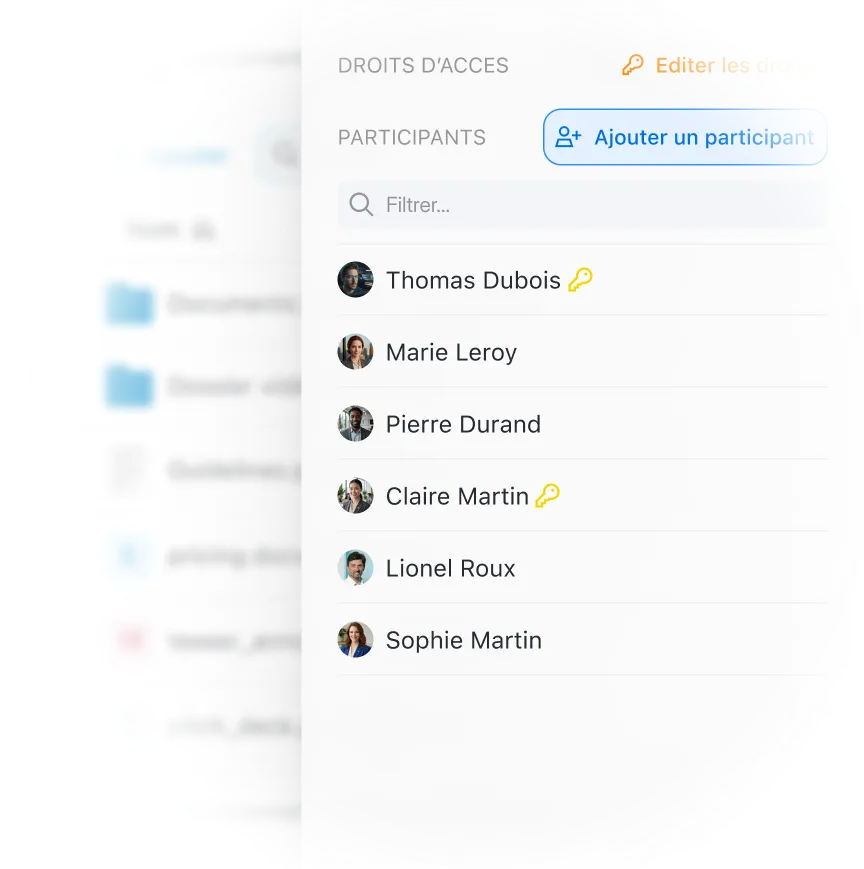

Work with your partners as if they were part of the team
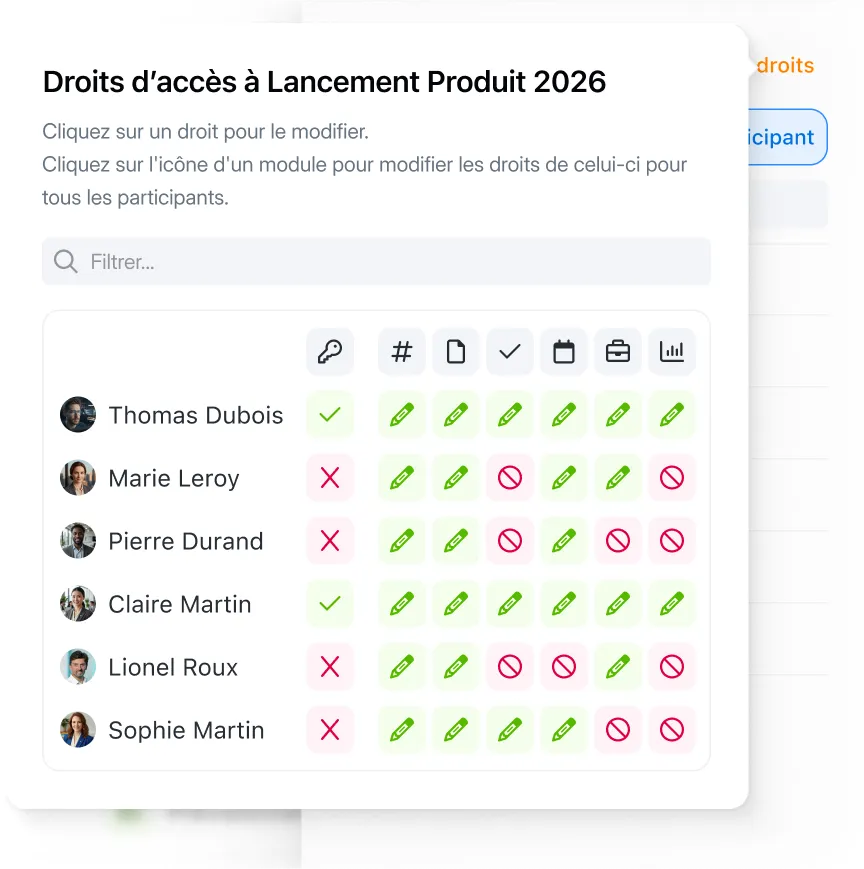
Easily integrate external stakeholders into your projects without creating internal accounts. Define their permissions precisely (consultation, modification, validation) and maintain total control. Your partners only have access to their project, never to your other spaces.
"Wimi est une solution parfaitement adaptée à la collaboration en mode projet. Sa simplicité de prise en main et la flexibilité offerte en fonction des usages nous ont convaincus. La Covid-19 et les périodes de télétravail n'ont fait qu'amplifier la nécessité d'avoir une telle solution pour maintenir les échanges et poursuivre nos projets."Lorem ipsum dolor sit amet, consectetur adipiscing elit, sed do eiusmod tempor incididunt ut labore and dolore magna aliqua. Ut enim ad minimim veniam, qui nostrud exercising ullamco laboris nisi ut aliquip ex ea commodo consequat. Duvet high grain color wine In voluptate velit esse illum dolore eu fugiat nulla pariatur.


"C’est un réel confort pour les équipes de techniciens et moi-même de travailler avec Wimi. La gestion fine des droits, l’accès aux informations même en mobilité et la rapidité de déploiement nous ont particulièrement séduits."


"Wimi nous permet de centraliser notre processus de création et de planification de contenus. La plateforme nous apporte une vision claire et centralisée de notre production. Je le recommande sans hésiter aux équipes qui veulent gagner en agilité et optimiser leur processus de création de contenus."


"Fatigué des informations perdues dans les e-mails et des fichiers éparpillés sur votre réseau ? Wimi est un outil de collaboration qui vous aide à vous débarrasser de tout cela. L’organisation en mode projet permet de centraliser toutes les informations. Utiliser Wimi, c’est moins de stress et plus d’efficacité !"


“Wimi is a solution perfectly suited to collaboration in project mode. Its ease of handling and the flexibility offered according to uses convinced us. Covid-19 and the periods of teleworking have only amplified the need for such a solution to maintain exchanges and continue our projects.”


A complete suite to manage your business

Create tasks, assign them to your teams and visualize your schedule in Kanban or Gantt mode. Each space has its own management board.

Each space has its own dedicated discussion channel. Reduce emails, share files, and communicate in real time with your team.

Consult the progress of your projects and identify priorities. Clear indicators to make the right decisions quickly.
Become an expert in team collaboration
%20-%20Re%CC%81tina.png)
Your questions about workspaces
How do I safely invite external people?
External collaboration is completely secure thanks to the strict partitioning of spaces:
- You create a space dedicated to the project with your external partner
- You invite it with specific permissions (read-only, modification, validation...)
- He only has access to this space: your other projects remain completely invisible to him
Important: The data in each space is siloed. An external collaborator on Project A can never see Project B, even by accident. Files, conversations, and tasks remain strictly confined to their space.
What happens to completed project spaces?
Your finished projects can be archived in one click. Archiving allows you to:
- Retain all data: files, history, exchanges, tasks completed
- Unleash visibility: archived spaces no longer clutter up your daily interface
- Reactivate at any time if you need to consult or relaunch an old project
Archived spaces remain read-only for future reference. You can also export them in their entirety if required.
What is the difference with a simple shared folder?
A workspace is much more than just file storage. It is a complete environment that includes:
- All your collaboration tools: team chat, task board, shared agenda
- Your documents and files automatically organized and versioned
- Your collaborators with their specific roles and permissions
- The complete history of exchanges, changes and decisions
Instead of juggling your file server, Slack, Trello, and email, you're working in one centralized location.
How many workspaces can you create?
The number of spaces depends on your formula:
- Business package: up to 50 active spaces
- Enterprise plan: unlimited spaces
You can also archive completed projects without losing data, freeing up space for new projects. No additional costs are applied to the number of spaces created.

Manage your projects and team activities safely
Test Wimi and discover the first sovereign and secure collaborative platform. Your data stays in France, your projects remain compartmentalized.